Professional image and video editing in your browser
Edit images and videos directly from your Media Library without leaving Qten. Crop, resize, filter, annotate, and export — all with professional-grade tools powered by Pintura.
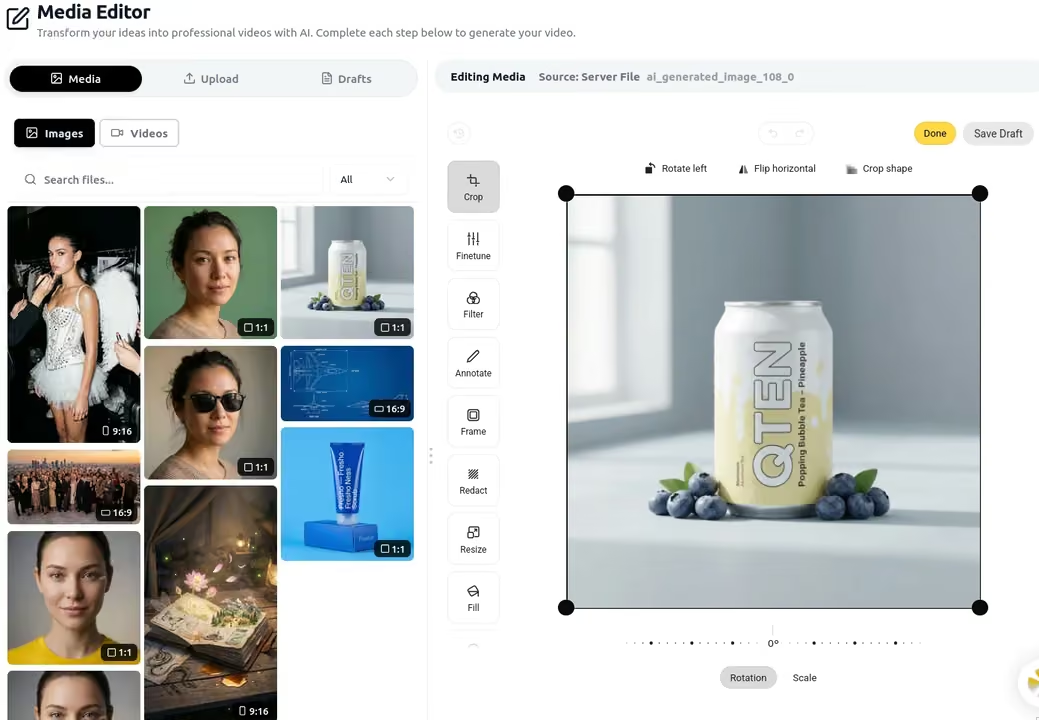
Everything you need to edit images and videos
9 professional image editing tools
Crop and reframe, fine-tune brightness and contrast, apply filters, add text and shapes, create decorative frames, blur sensitive areas, resize, fill backgrounds, and add stickers — everything in one place, no separate app needed.
- Crop and reframe to any aspect ratio
- Finetune brightness, contrast, and saturation
- Apply professional filters and effects
- Add text overlays and annotations
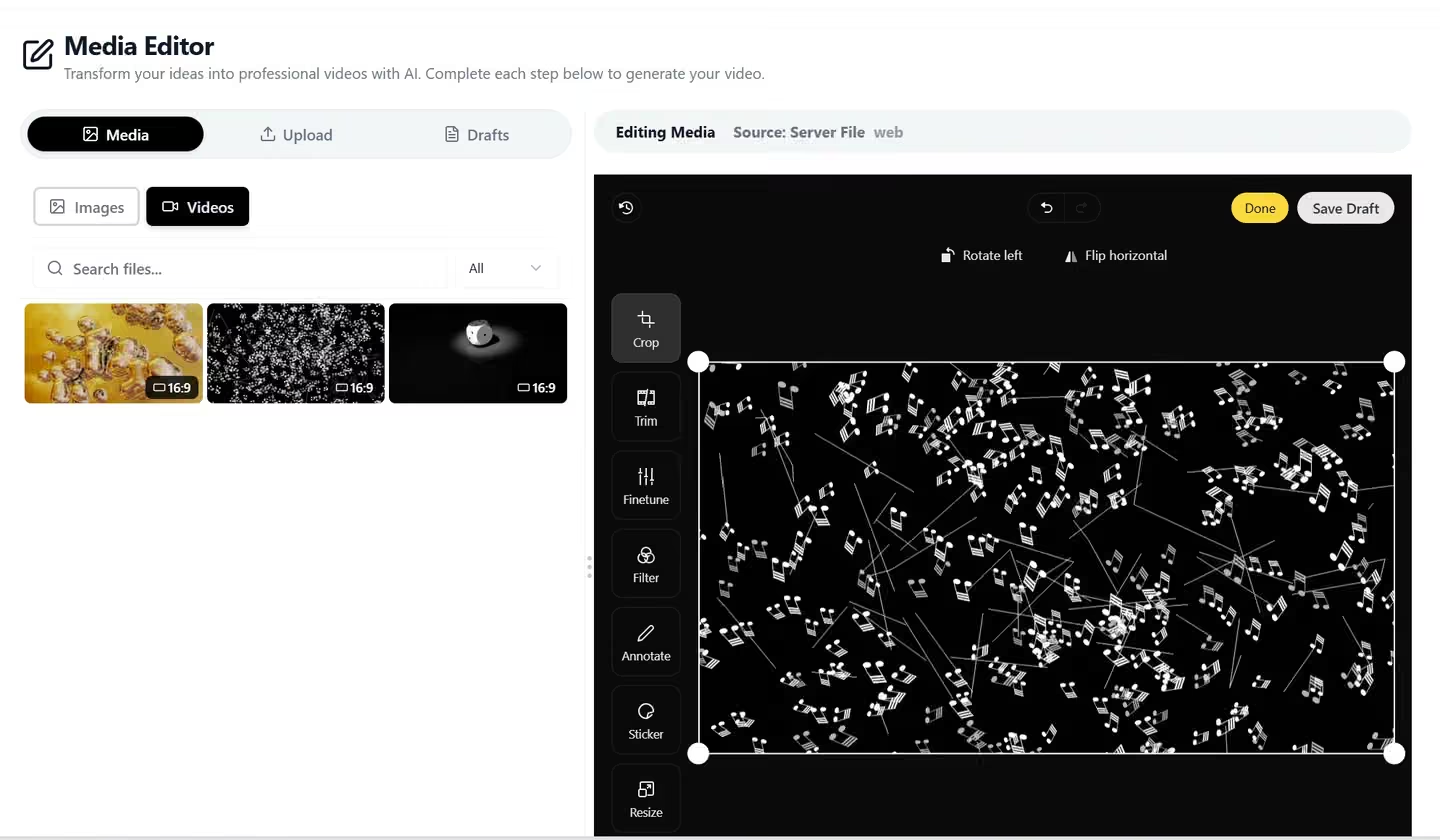
7 video editing tools
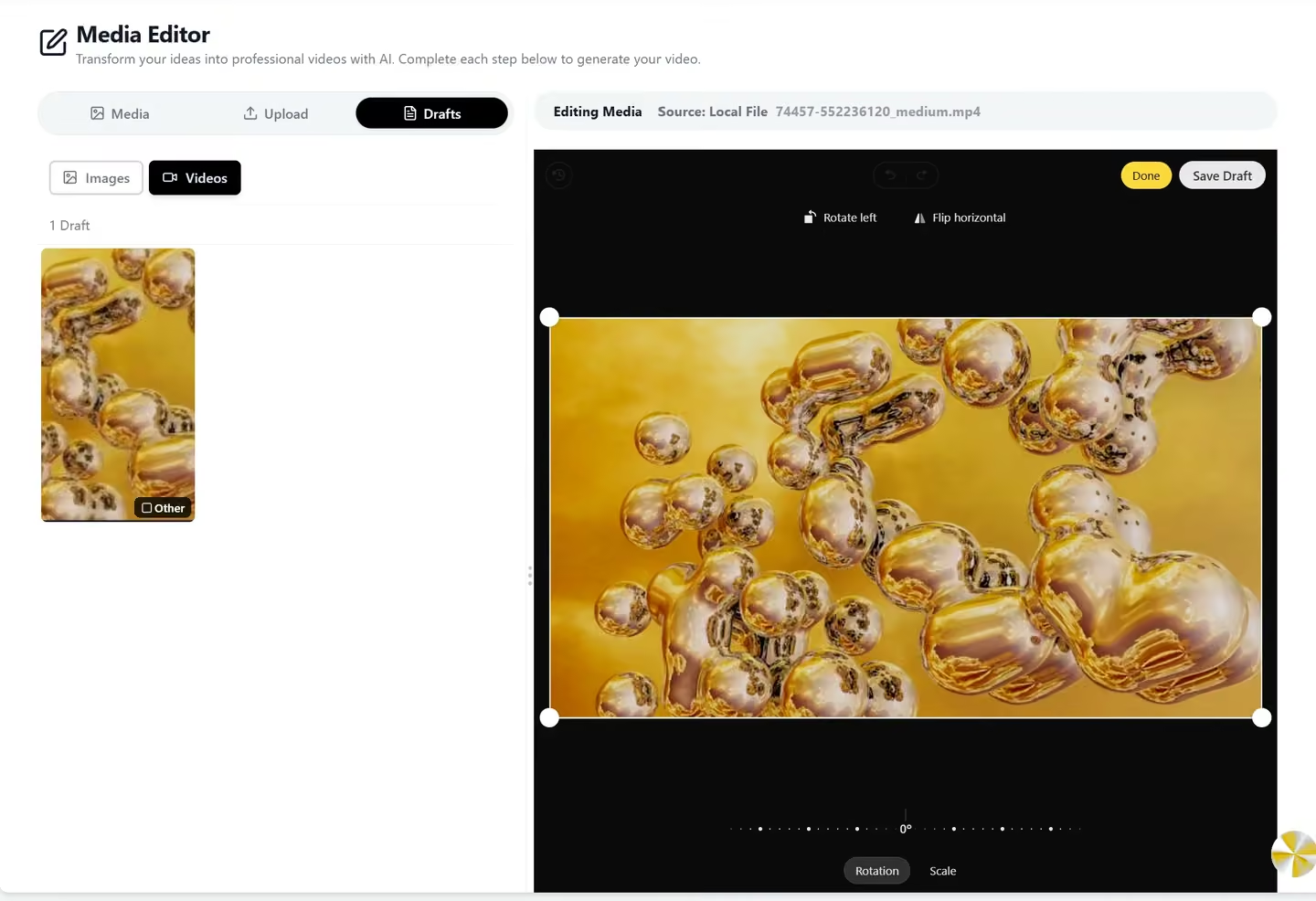
Trim clips to the right length, crop and reframe, adjust video properties, apply filters and effects, add text overlays and annotations, resize for any platform format. Browser-native — no software to install.
- Trim and cut video length precisely
- Crop and reframe video composition
- Adjust brightness, contrast, saturation
- Add text and animated overlays
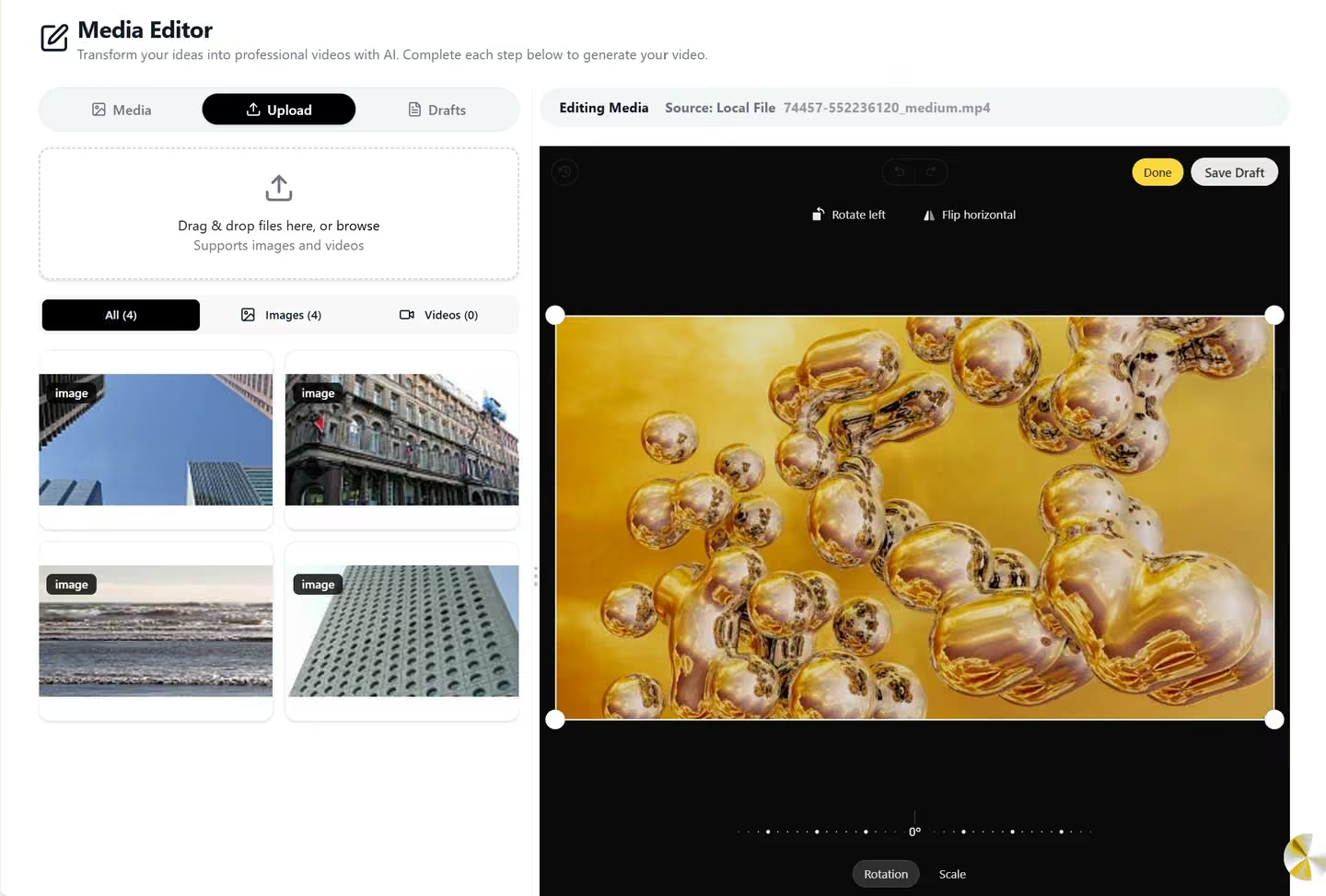
Edit directly from your Media Library
Open any image or video from your library straight into the editor. The file type is detected automatically and the right toolset loads. Save drafts or export — your originals are always preserved.
- Browse Media Library in sidebar
- Auto-detect file type (image or video)
- Load correct toolset automatically
- Preserve original files always
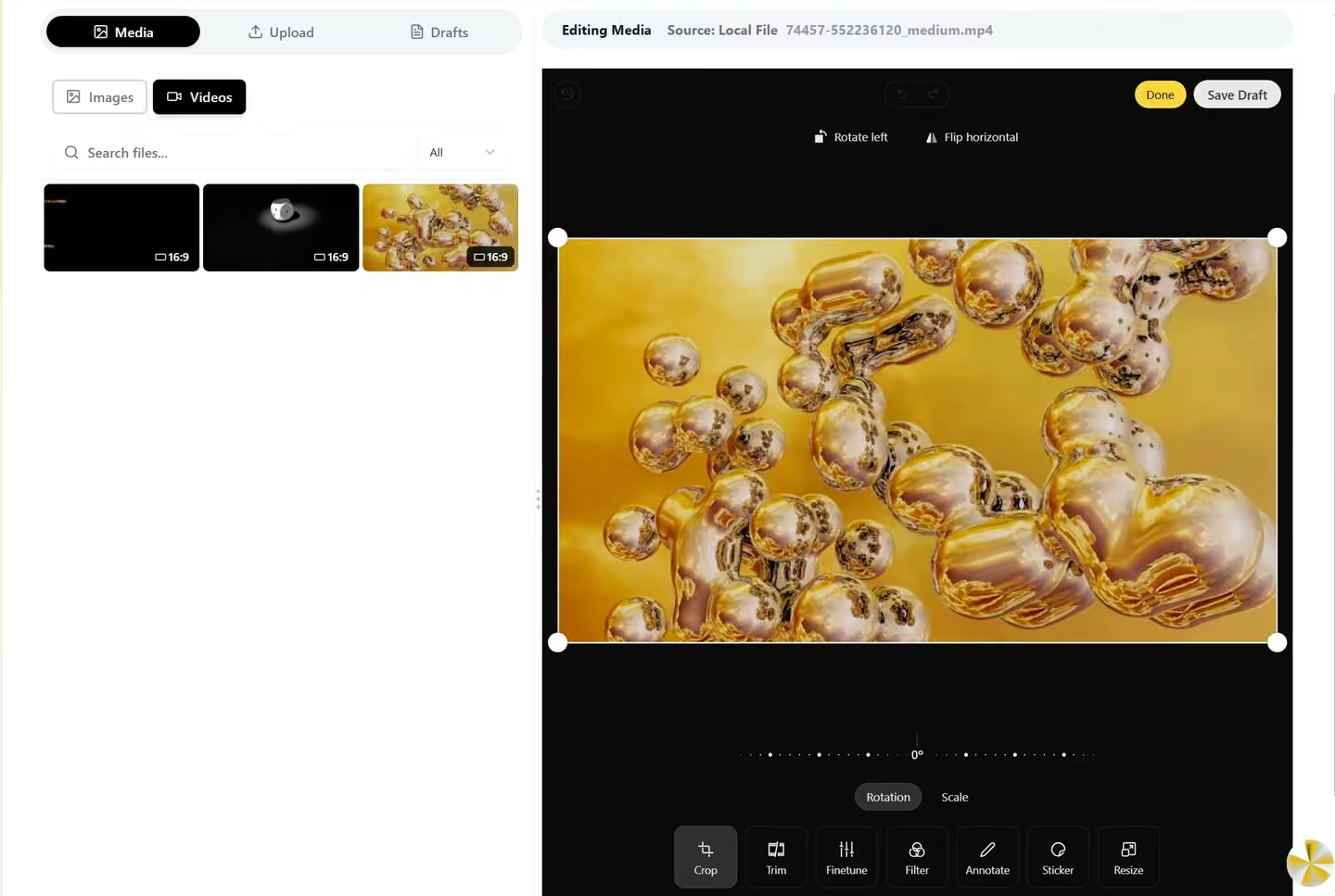
Save drafts or export in any format
Save your edits as drafts to continue later, or export directly as PNG, JPEG, WebP for images and MP4 for videos. All exports are optimized for web and social media.
- Save drafts to continue editing later
- Export PNG, JPEG, WebP for images
- Export MP4 for videos
- Optimized for web and social platforms
Built for every creator and marketer
Whether you're polishing AI-generated content or resizing assets for different platforms, Media Editor saves you hours of external editing.
Content Creators
Touch up AI-generated images and trim video clips before publishing, without leaving the platform. Quick edits stay inside Qten — no context switching.
Marketers
Resize and reformat assets for different platforms (16:9 for YouTube, 9:16 for TikTok, 1:1 for Instagram) in minutes. Batch-edit using the same settings across multiple files.
Small Businesses
Professional-quality editing without a subscription to Photoshop or Premiere. Everything you need for social media is already here — no additional tools required.
See Qten AI in Action
Example videos generated with Qten AI
Scroll to see more →
Explore More Features
Discover other powerful tools in the Qten AI platform
Script to Video
Write your narration script, select your images, and let Qten generate a polished video with AI voice narration, word-level caption highlighting, and background audio.
Learn moreIdea to Video
Describe your idea and AI transforms it into a polished, video-ready script — then generates the full video with narration, captions, and background music.
Learn moreAI Prompts Library
Browse hundreds of ready-to-use prompts. Generate and edit stunning images using FLUX, Nano Banana and other leading AI models. Spark your next viral creation.
Learn more