Write, organise, and connect all your content ideas
A powerful notes workspace built for content creators. Draft scripts, plan campaigns, capture ideas, and link everything to your videos and posts — all inside Qten.
Everything you need to plan, write, and organise your content
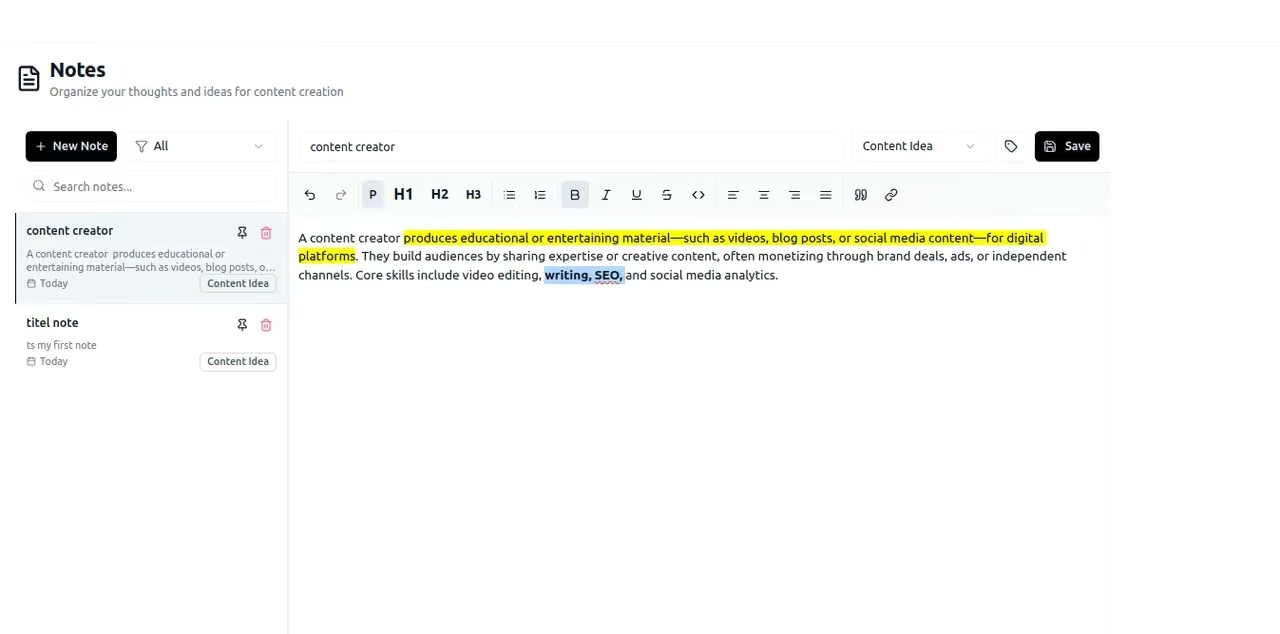
Write scripts and briefs with professional formatting
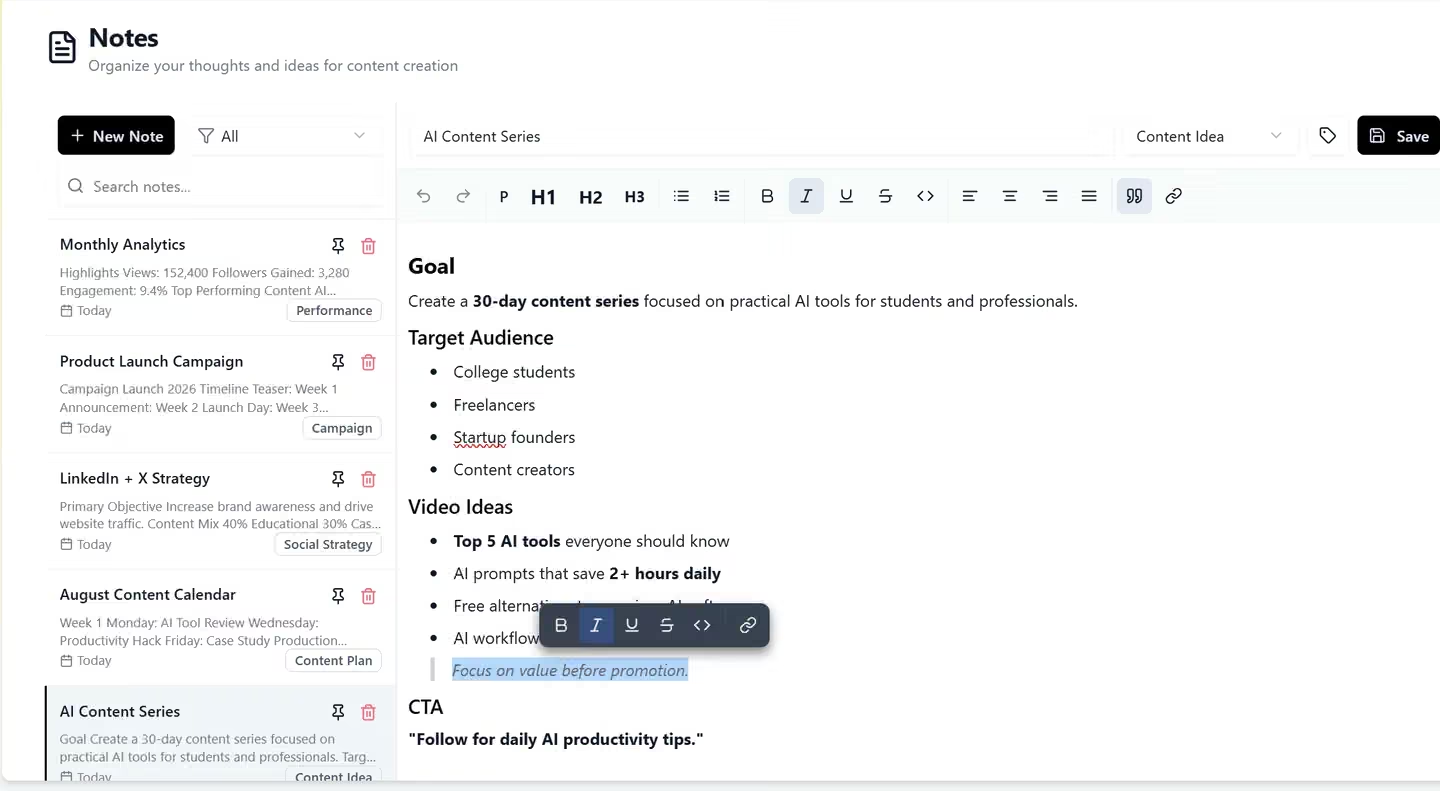
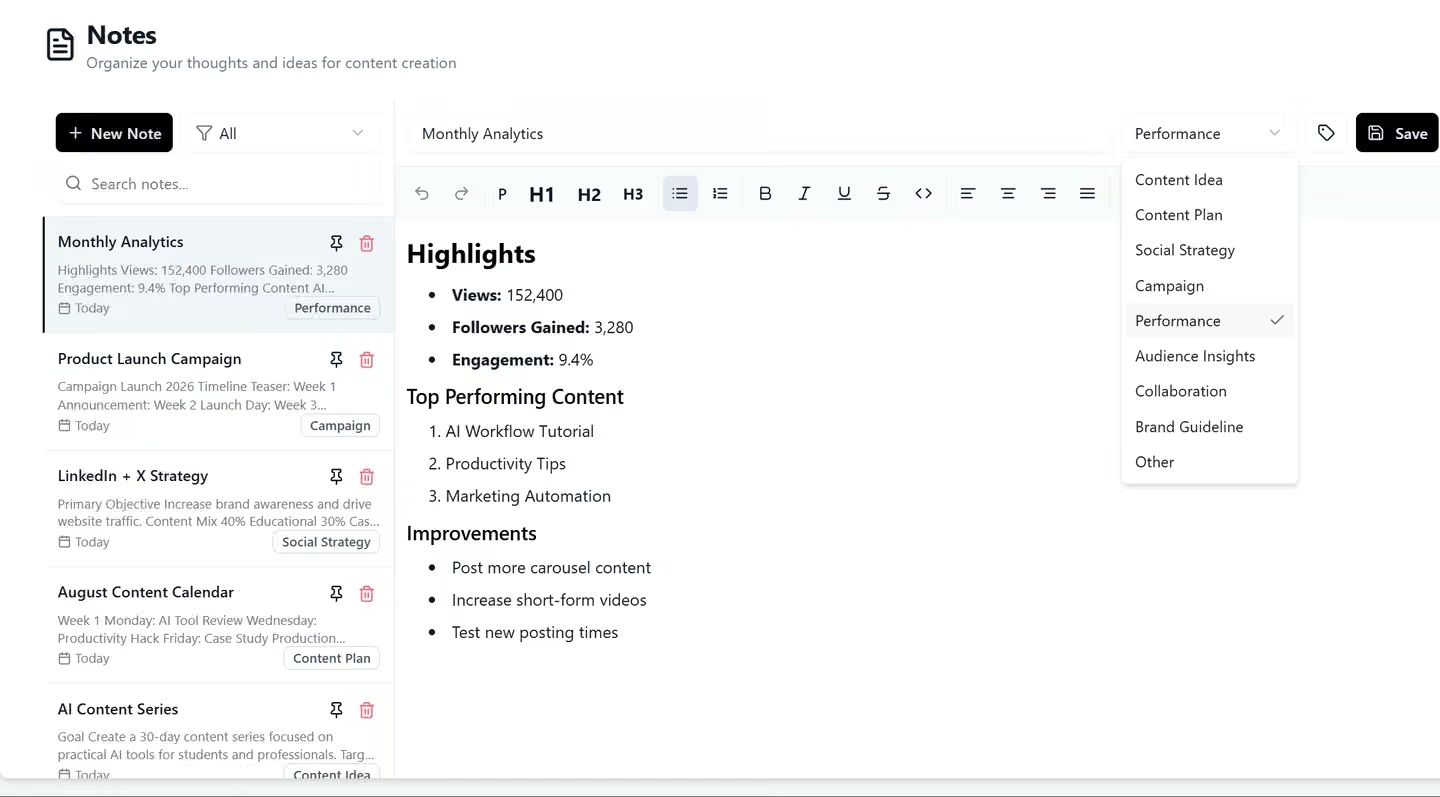
A full-featured rich text editor designed for content creators. Format dialogue, scene directions, and callouts with headings, bullet lists, code blocks, and inline styles. Your script looks exactly how you want it before you ever hit record.
- Headings, lists, bold, italic, and more
- Script-mode layout for dialogue and scenes
- Word count and reading-time estimates
- Distraction-free writing mode
Keep every project and campaign tidy
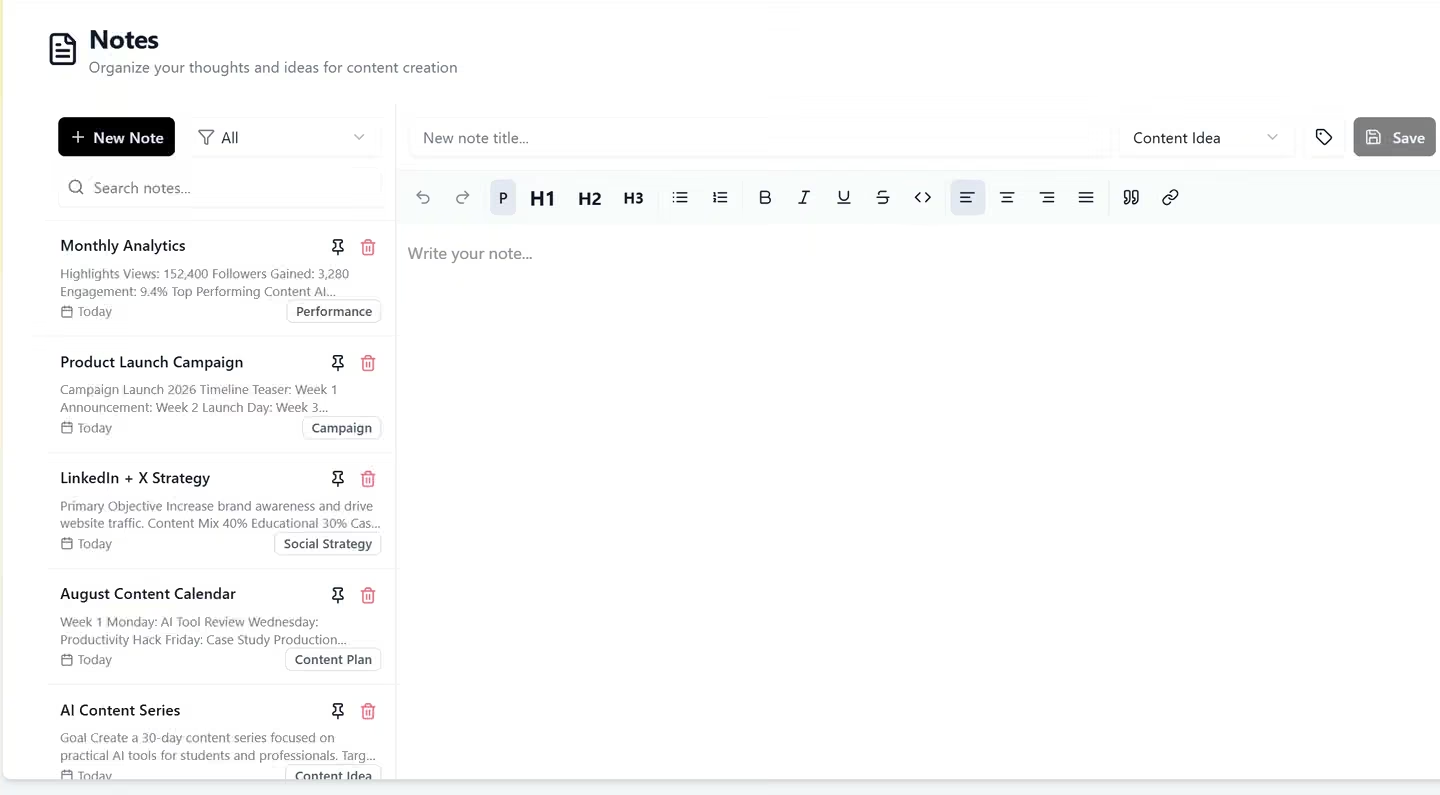
Organise notes into projects, campaigns, or content series. Use tags, colour labels, and folders to find any note instantly — even when you have hundreds of scripts and briefs.
- Folder and project hierarchy
- Tags and colour labels
- Full-text search across all notes
- Pin important notes to the top
Connect notes to your videos and posts
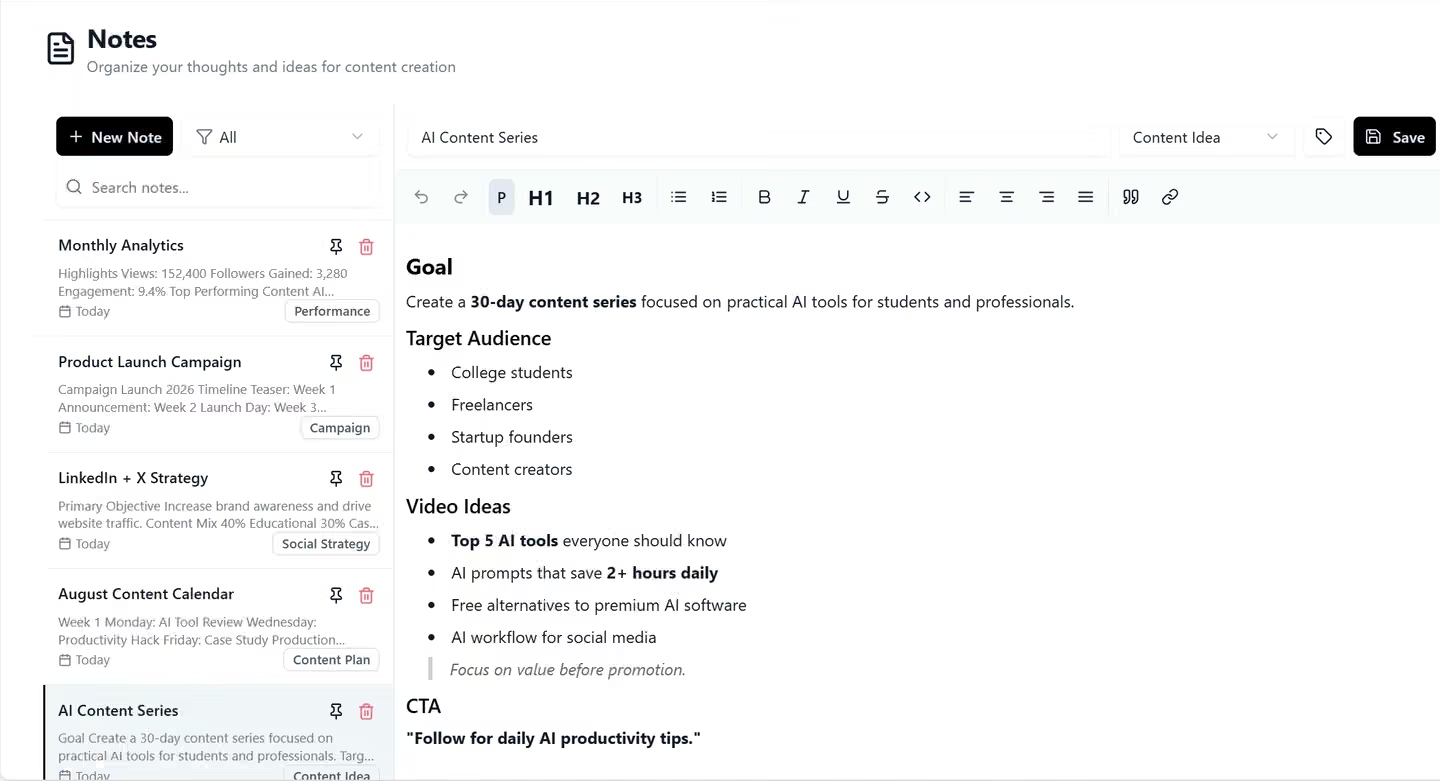
Link any note to a specific video generation, post, or campaign. See which scripts have been produced, which briefs are still in progress, and keep your content pipeline visible at a glance.
- Link scripts to video generation jobs
- Attach briefs to scheduled posts
- Campaign-level content overview
- Track production status per note
Generate and refine copy with AI
Stuck on a script opener or need a caption rewrite? Use the built-in AI writing assistant to generate ideas, expand bullet points into full paragraphs, or tighten up copy — all without leaving your note.
- Generate script outlines from a prompt
- Rewrite and improve selected text
- Suggest hooks and CTAs
- Tone and length adjustments
Built for creators who think before they record
Whether you script every video or just jot down ideas, Notes keeps your creative thinking connected to your content output.
Video Creators
Write full word-for-word scripts with scene directions, then reference them directly in Script to Video. No more jumping between Google Docs and your video tool.
Social Media Managers
Plan a month of content in one sitting. Create a note per campaign, draft captions and hooks, then link each note to its scheduled post for a clean production pipeline.
Marketing Teams
Centralise campaign briefs, creative direction, and messaging guidelines. Share notes with the team and always have the approved copy one click away when producing content.
Explore More Features
Discover other powerful tools in the Qten AI platform
Script to Video
Write your narration script, select your images, and let Qten generate a polished video with AI voice narration, word-level caption highlighting, and background audio.
Learn moreIdea to Video
Describe your idea and AI transforms it into a polished, video-ready script — then generates the full video with narration, captions, and background music.
Learn moreAI Prompts Library
Browse hundreds of ready-to-use prompts. Generate and edit stunning images using FLUX, Nano Banana and other leading AI models. Spark your next viral creation.
Learn more