All your creative assets, beautifully organised in one place
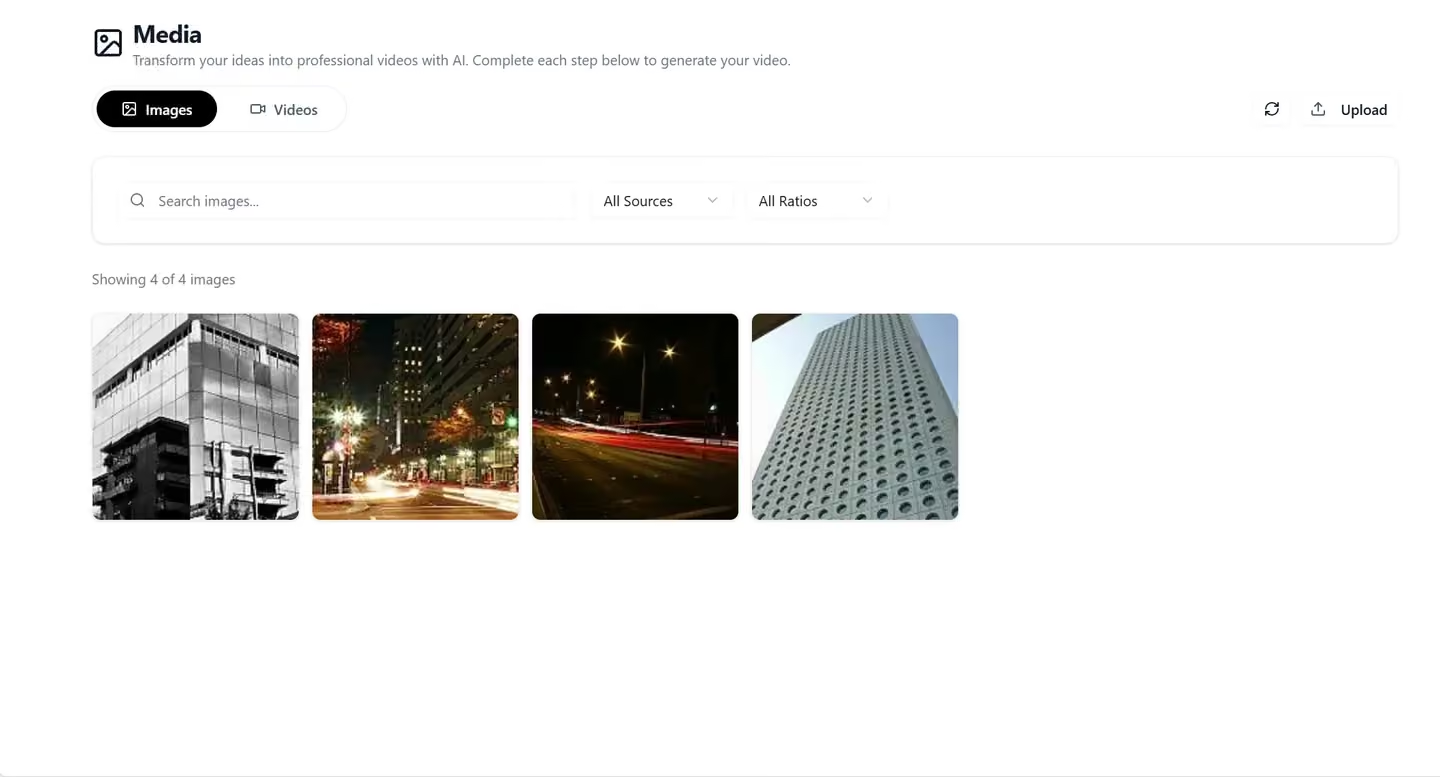
Upload, tag, search, and reuse your images, videos, and audio across every tool in Qten. Stop hunting for that perfect clip — find it in seconds and drop it straight into your next piece of content.
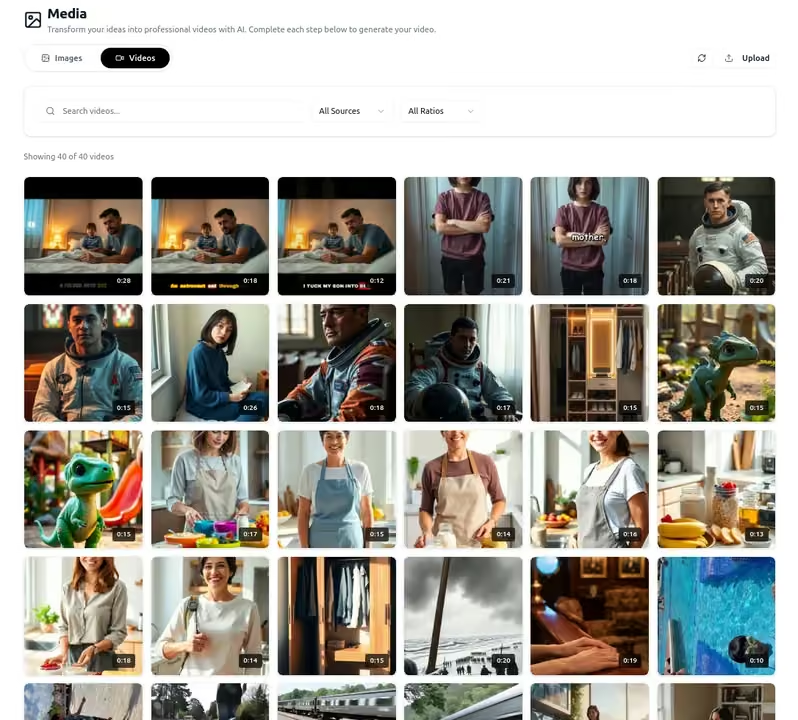
Organise once, use everywhere
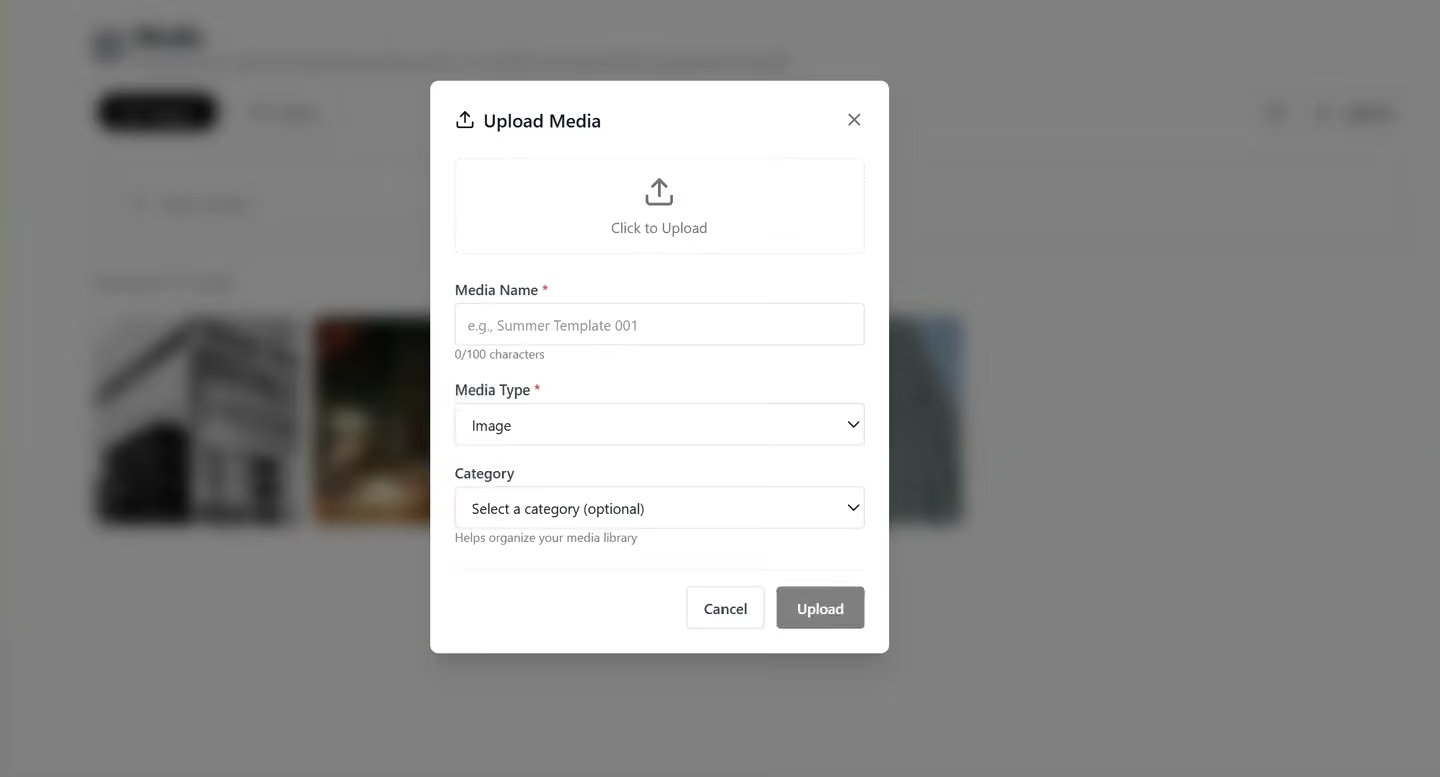
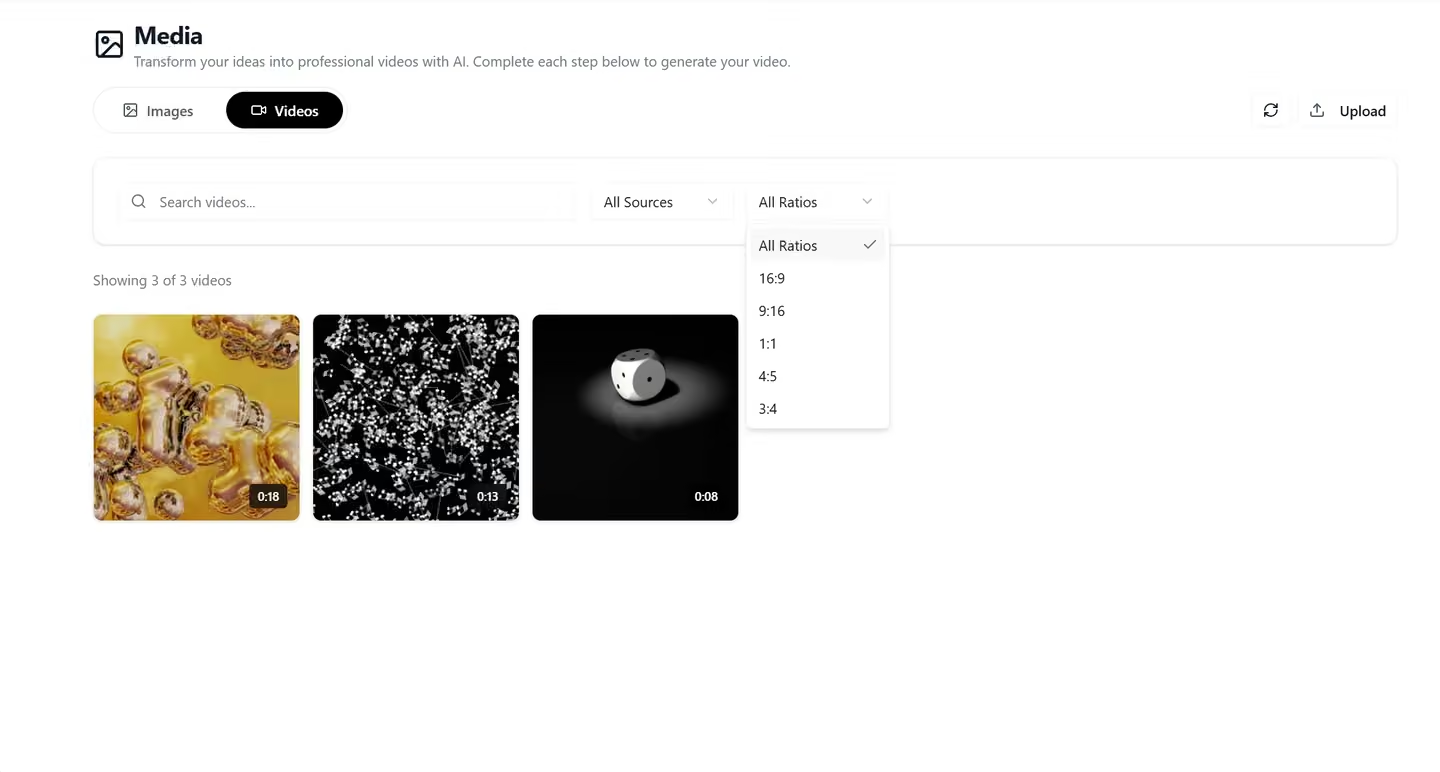
Upload and manage all your media in one place
Drag and drop images, videos, audio files, and documents into your library. Qten automatically generates previews, extracts metadata, and makes every file instantly searchable — no manual cataloguing required.
- Supports images (JPG, PNG, WebP, GIF), video (MP4, MOV, WebM), and audio (MP3, WAV)
- Automatic thumbnail generation for videos
- Bulk upload with progress tracking
- Storage usage dashboard per plan
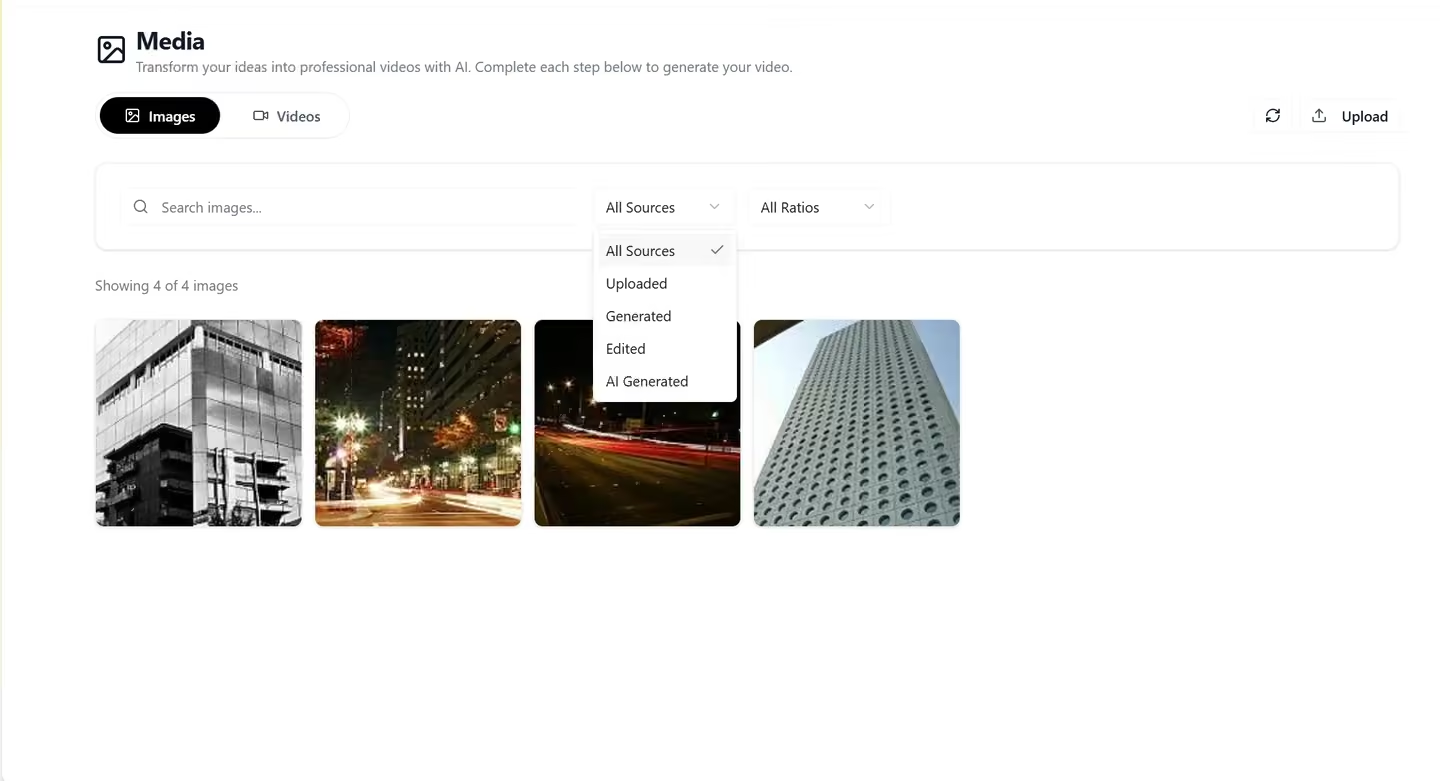
Find any asset in seconds with smart tagging
Apply custom tags and let Qten's AI auto-label your media by content type, colour palette, and subject. Filter by tag, file type, date, or usage status — then search by keyword to surface exactly what you need.
- Custom tags and folder organisation
- AI-powered auto-labelling
- Full-text and filter-based search
- Recent and frequently used collections
Use assets directly inside every Qten tool
Your Media Library is connected to every creation tool in Qten. Pick a clip in the Media Editor, insert a photo into Studio, or attach background music to an AI-generated video — without ever leaving the app or re-uploading.
- Direct access inside Media Editor
- Insert images into Studio templates
- Attach audio to video generations
- One-click reuse across projects
Share assets across your team instantly
On Standard and Premium plans, your Media Library is shared across your entire team. Upload brand assets once and every team member can access them — logos, brand fonts, approved imagery, and video b-roll — always up to date.
- Shared team library on Standard and Premium
- Permission controls (view vs. edit)
- Brand asset collections (logos, colours, fonts)
- Usage history per asset
From solo creators to full agencies
Anyone who creates content regularly will spend less time searching for assets and more time making things.
Content Creators
Store your b-roll, intro/outro clips, thumbnail templates, and branded overlays in one place. Reuse your best assets across videos without digging through local folders.
Marketing Teams
Maintain a single source of truth for brand-approved imagery, product shots, and campaign videos. Everyone on the team works from the same approved asset pool.
Social Media Agencies
Manage separate libraries per client account. Keep each client's brand assets, approved stock images, and produced videos neatly separated and instantly accessible.
Explore More Features
Discover other powerful tools in the Qten AI platform
Script to Video
Write your narration script, select your images, and let Qten generate a polished video with AI voice narration, word-level caption highlighting, and background audio.
Learn moreIdea to Video
Describe your idea and AI transforms it into a polished, video-ready script — then generates the full video with narration, captions, and background music.
Learn moreAI Prompts Library
Browse hundreds of ready-to-use prompts. Generate and edit stunning images using FLUX, Nano Banana and other leading AI models. Spark your next viral creation.
Learn more